Private UK VPN Service
Powered by WireGuard® - the fastest, most secure VPN protocol
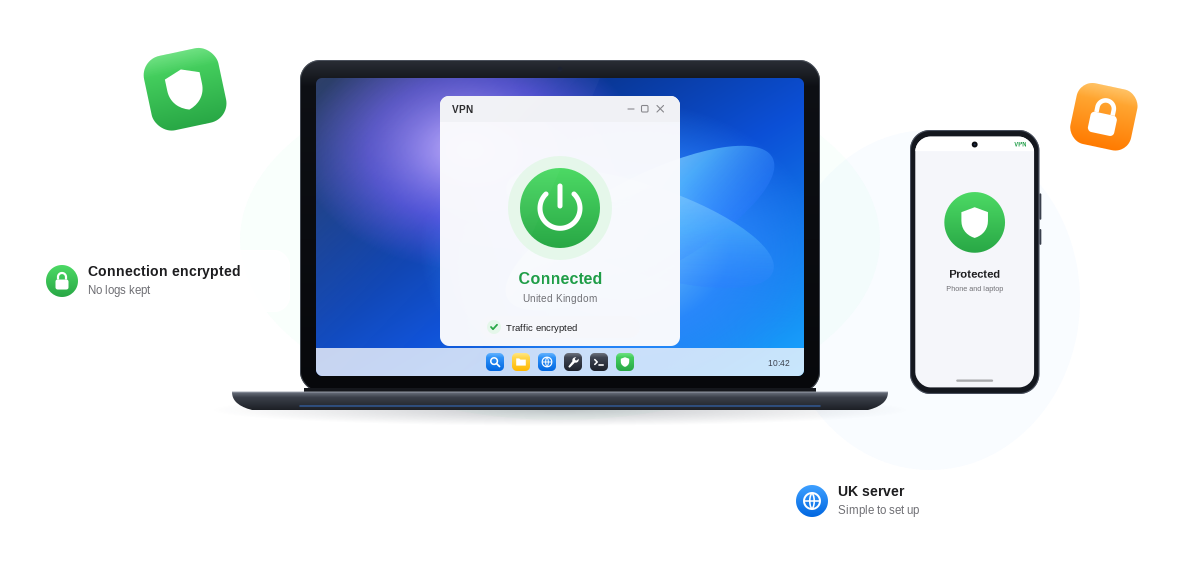
Your own secure VPN for £40 a year. No logs, no tracking.
Honest VPN Pricing

You'll Need WireGuard
It's the official client for your VPN connection. Free, lightweight, and works brilliantly.
With and without
What changes when your connection runs through the JbTecWiz VPN.
| Without a VPN | JbTecWiz VPN£40 a year | |
|---|---|---|
| What you stream and download hidden from your ISP | — | |
| UK IP address for UK-only sites when you’re away | — | |
| Intrusion detection blocking dodgy traffic | — | |
| Logs of what you do online | — | None, ever |
| Help from a real person | — | Me |
| Contract | — | None, cancel any time |
What You Get

WireGuard® Protocol
Next-generation VPN technology with 4,000 lines of code vs 400,000 in OpenVPN. Faster connections, lower battery drain, stronger security.
Extra Protection Built In
Real-time intrusion detection and prevention helps block dodgy traffic before it reaches you.
Zero Logs. Period.
I don't track what you do online. Your activity is your business, not mine.
Fast UK Servers
Stream, browse, download - all at proper speed. No throttling.
Hide Your Streaming Activity
Your ISP can't see what you're watching or downloading. Stream, browse, and download in complete privacy with military-grade encryption.
Use It Anywhere
Works on Windows, Mac, iOS, Android - even your router if you're feeling fancy.
Access UK Content
Get UK IP addresses for streaming and websites that only work back home.
Actual Support
Real help from me - no bots, no waiting weeks for a reply.
Dead Simple Setup
Install WireGuard, import your config, done. Takes minutes, not hours.
No Lock-In
Cancel whenever you want. No contracts, no penalty fees, no drama.
Quick Setup Guide


Import Config
Open WireGuard → Import tunnel(s) from file → Select your .conf file from email.
Connect
Click "Activate" next to your tunnel. You're now protected!
Verify Your Connection


Tip: Run the test without VPN first to establish your baseline IP, then connect and test again to verify protection.
Troubleshooting


Can't Import Config File
Problem: WireGuard won't accept your .conf file.
Solutions:
- Make sure the file ends with
.confnot .txt - Try downloading the config file again from your email
- On mobile: Save the file to your device first, then import it
- Check the file isn't corrupted - it should be plain text
Connection Keeps Dropping
Problem: VPN disconnects randomly or won't stay connected.
Solutions:
- Check your internet connection is stable first
- Try switching between Wi-Fi and mobile data
- Restart the WireGuard app
- On mobile: Make sure battery optimization isn't killing the app
- Contact me if it persists - might be a server issue
Slow Internet Speed
Problem: Internet is slower when VPN is connected.
Solutions:
- Some speed loss is normal with any VPN (encryption overhead)
- Check your normal speed without VPN first - might be your ISP
- Try connecting at different times of day
- Close bandwidth-heavy apps running in background
- WireGuard is already optimized - if it's really slow, contact me
Can't Access Certain Websites
Problem: Some websites won't load or show errors.
Solutions:
- Try clearing your browser cache and cookies
- Some sites block VPN traffic - temporarily disconnect to test
- Make sure your DNS is working (try visiting 1.1.1.1)
- Banking sites often block VPNs - this is normal for security
- Still stuck? Drop me a message
VPN Won't Activate on Mobile
Problem: Can't turn on the VPN on iPhone or Android.
Solutions:
- iOS: Go to Settings → VPN → Allow WireGuard permissions
- Android: Settings → Apps → WireGuard → Permissions (Allow all)
- Check if another VPN app is already running (disconnect it first)
- Restart your phone - classic fix that actually works
- Reinstall the WireGuard app and reimport your config